Every safety habit we have taught people about links falls apart with QR codes. You can hover over a link. You can read a domain. A QR code is a black-and-white square that looks exactly as trustworthy as every other black-and-white square.
That is the entire vulnerability. The verification step people have been trained to do simply cannot happen before the action.
The sticker
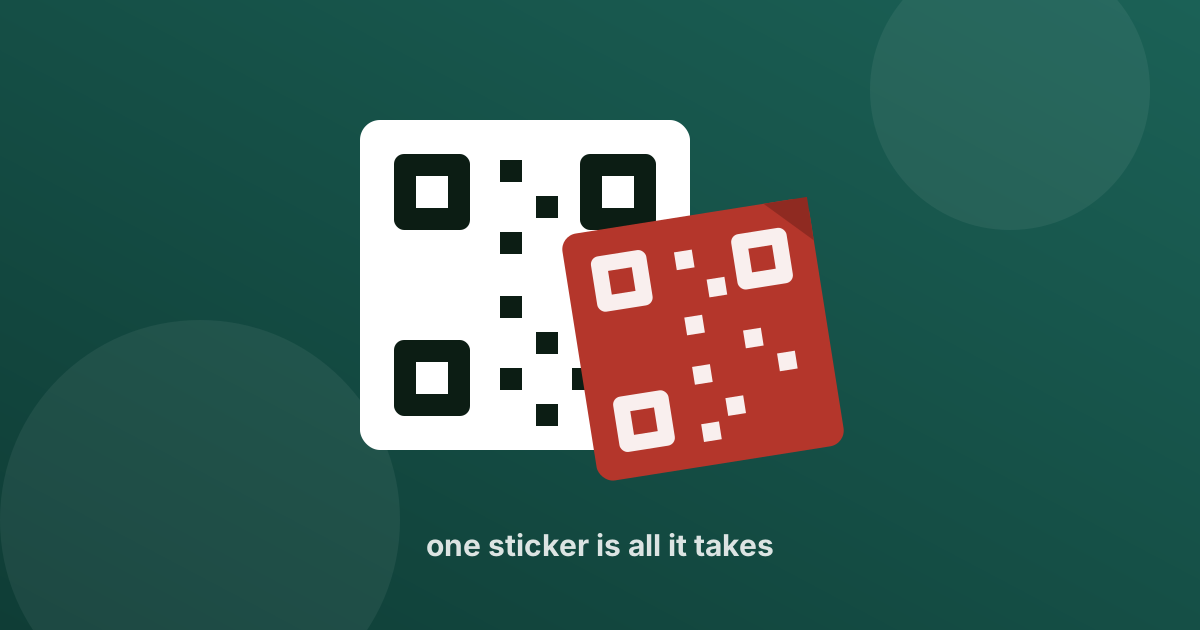
The lowest-effort version of this scam requires no hacking at all: print a QR code, add adhesive, and stick it over a real one.
It shows up on parking meters, restaurant table tents, fuel pumps, charity collection boxes, posters at bus stops, and shop counters. The business has no idea. The customer scans what appears to be an official code in an official place, and pays a stranger.
Worth doing in the real worldBefore scanning a code in a public place, run a thumbnail over it. A sticker has an edge you can feel, and often a corner that has started to lift.
The collect request in disguise
There is a persistent belief that a QR code can be used to receive money. It cannot. In UPI, scanning a code and entering your PIN always means money leaving your account.
So when a buyer on a resale app says “scan this code and I will send you the payment”, what they have sent is a request for you to pay them. It is the same mechanic as the UPI refund scam, wrapped in a square instead of a notification.
The same rule as alwaysPIN in means money out. There is no exception for QR codes, no matter what the person on the other end tells you.
Codes in emails and PDFs
A newer variant puts the QR code inside an email or an attached document , a fake invoice, a “secure message”, an MFA reset notice.
There is a specific reason attackers do this. Corporate email filters are good at inspecting links in text and poor at reading images. Putting the malicious address inside a picture routes around the filter, and moves the victim from a monitored work laptop to a personal phone with no protection at all.
Red flags
- Anyone tells you scanning a code will send money to you
- A code in a public place is a sticker sitting on top of another surface
- The payee name shown after scanning is an individual, when you expected a business
- The amount is pre-filled and larger than what you owe
- A QR code arrives by email to log in, reset a password, or view an invoice
- A code is handed to you on paper by someone creating time pressure
- The scan opens a page asking for card details, OTP, or your UPI PIN in a browser
What to do instead
- Read the confirmation screen, not the code. Your payment app shows the payee name and amount before you authorise. That screen is your only real check , take the extra two seconds on it.
- Confirm the name matches the business. A café called Brew Room should not resolve to an unrelated individual's name.
- Prefer the shop's own terminal or a code behind the counter over one taped to a table or a pole outside.
- Never scan a code from an email to authenticate anything. Go to the service directly and log in the way you normally would.
- For payments to individuals, ask for the UPI ID instead. You can read a UPI ID. You cannot read a QR code.
Where TruvAI fits
The gap here is the moment between scanning and paying. A QR code has to be decoded before anyone can judge it , and by then most people have already moved on to the PIN screen.
TruvAI closes that gap. Scan the code with TruvAI first, or send it a screenshot of one you were sent, and it decodes the destination and checks it before any money is involved. You get to read the thing you could not read.
Check the code before you scan it.
TruvAI is coming to iOS and Android. Join the waitlist for early access.
Join the Waitlist