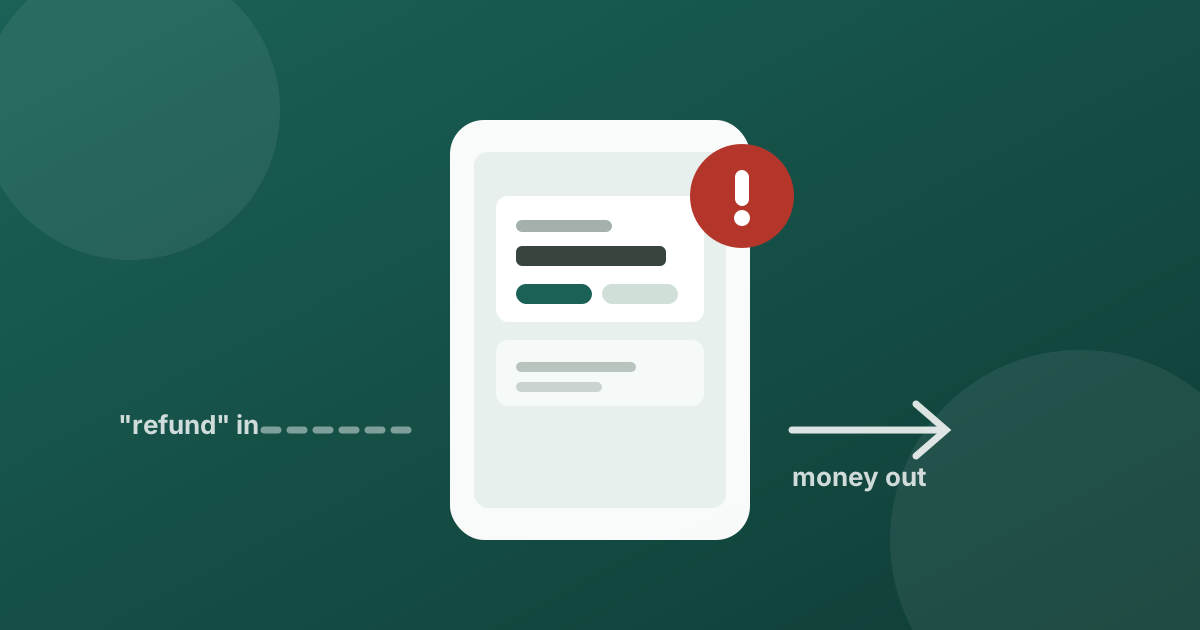
There is one fact about UPI that defeats an entire category of scam, and most people have never been told it plainly: nobody can send you money by asking you to approve something and enter your PIN.
Your UPI PIN authorises money leaving your account. It is never required to receive money. If someone owes you a refund, they send it and it simply arrives , no approval screen, no PIN, no action from you at all.
Every version of this scam depends on you not knowing that.
How it actually works
UPI has a feature called a collect request. It lets someone ask you to pay them. You get a notification, you approve it, you enter your PIN, and money moves from your account to theirs. It is a legitimate feature , shopkeepers and billers use it constantly.
The scam is simply a collect request wearing a costume. The message attached to it says something like “Refund for cancelled order” or “Cashback credit” or “Payment received”. The notification looks like money arriving. The approval screen, glanced at quickly, looks like a confirmation step.
It is not. It is you authorising a payment out.
The rule worth memorisingPIN in means money out. If a screen is asking for your UPI PIN, you are sending money , no matter what the text on it says.
Where it usually starts
The request rarely arrives alone. It normally follows a conversation designed to make it expected:
- You listed something on a resale app, and a “buyer” wants to send an advance
- You complained to a brand on social media, and a “support handle” offers a refund
- You were told a subscription was double-charged and the money will be returned
- You are expecting a genuine refund from somewhere else entirely, and the timing happens to line up
That last one is what makes this effective. The scam does not need to be clever if it lands on a day you are already waiting for money.
Red flags
- You are asked to approve anything, or enter a PIN, to receive money
- Someone sends a “test” or “verification” amount and asks you to approve it first
- You are rushed , the offer expires, the buyer is leaving, the window is closing
- Support contacted you rather than the other way around
- You are asked to move to WhatsApp or a phone call to “complete the refund”
- The amount on the approval screen is larger than the refund you were promised
If a request is already sitting on your screen
- Do not approve it. Decline it, or simply let it expire. Declining costs you nothing , a genuine refund does not require your approval, so you cannot decline your way out of real money.
- Read the amount and the direction. Your UPI app states whether you are paying or being paid. Look at that line specifically, not the message the sender attached to it.
- Check who is asking. The sender's UPI ID is shown on the request. A refund from a real company does not come from a personal handle.
- Go to the source yourself. If you genuinely are owed a refund, open the app or site you bought from and check the order status there. Never through a link someone sent you.
If you already approved one
Act quickly, and do not spend time feeling stupid about it , these are designed by people who do this full time.
- Call your bank's official number, from the back of your card or the bank's own app, and report an unauthorised transaction.
- Report it in your UPI app , most have a dispute or report option on the transaction itself.
- In India, report the transaction on the national cybercrime portal at cybercrime.gov.in or call 1930. Reporting within the first few hours meaningfully improves the odds of a freeze.
- Do not accept help from anyone who contacts you afterwards offering to recover the money. Recovery scams specifically target people who have just been scammed.
Where TruvAI fits
Most of these arrive as a message before they arrive as a request , a WhatsApp conversation, an SMS, a comment from a fake support handle. That message is the moment the scam is easiest to catch, and the moment you are least suspicious.
TruvAI is built for exactly that moment. Paste the message, or send a screenshot of the request, and it tells you in seconds what it is looking at and what specifically is wrong with it , before you tap approve, not after.
Check it before you tap.
TruvAI is coming to iOS and Android. Join the waitlist for early access.
Join the Waitlist